Home / Surveillance

Video storage and cloud data

Cameras only help if the footage is still there next month. Files only help if they survive the laptop that held them.

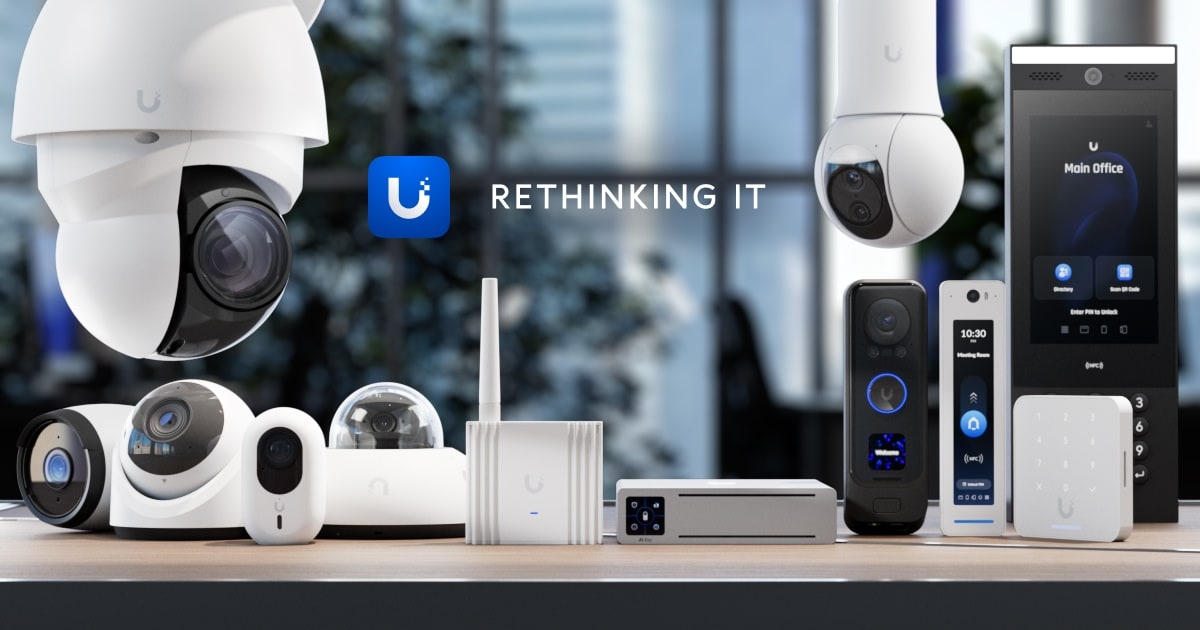
UniFi Protect cameras and access control
Security surveillance

Design the camera job and the disk job together.

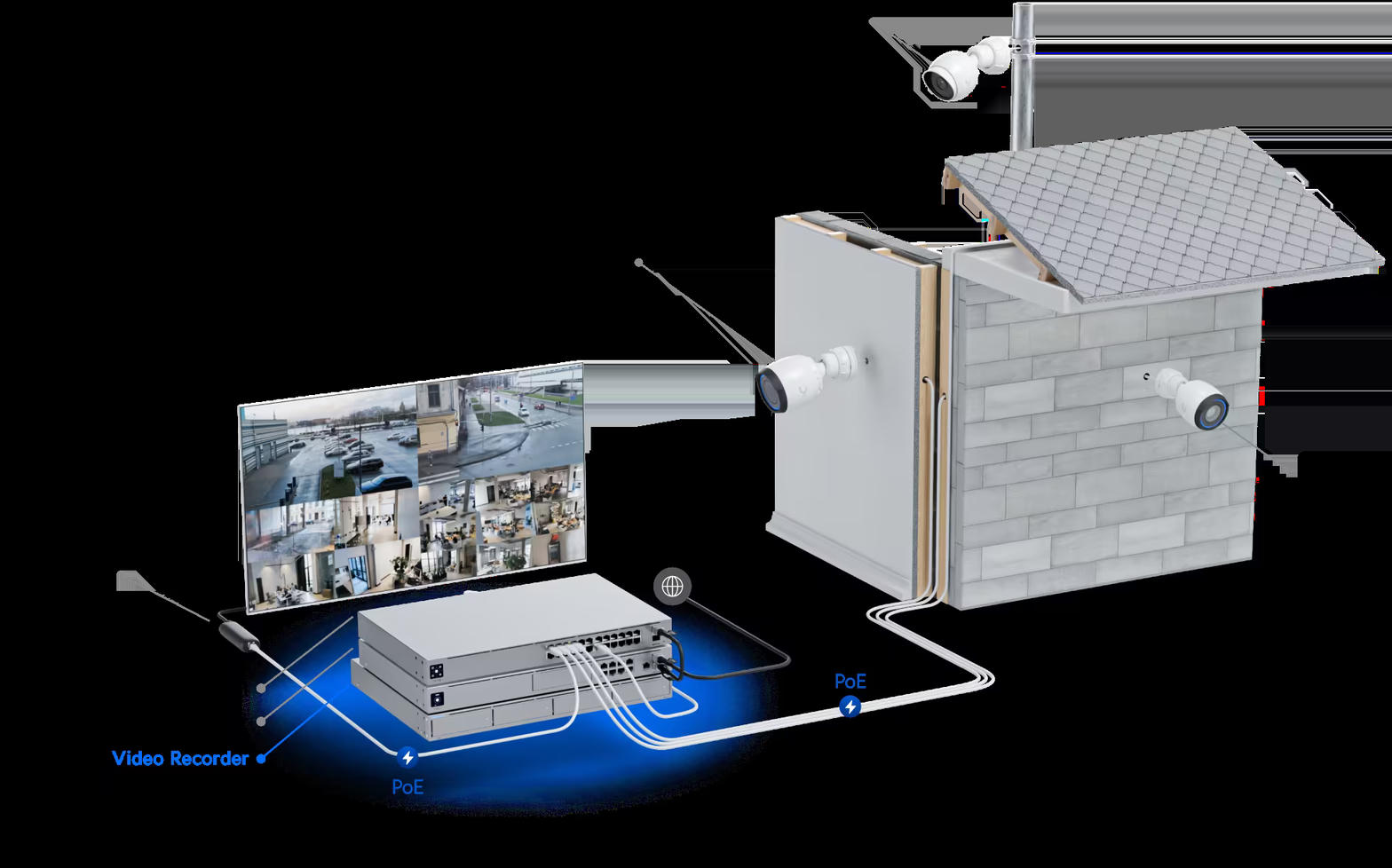
We size PoE, uplink, and retention as one system. A 4K turret on a 1G overloaded switch drops frames; an NVR with no spare bay fails the week you add the parking lot.

  • UniFi Protect cameras on dedicated VLANs
  • UNVR / UNVR Pro or gateway bays for local recording
  • Retention targets (for example 30, 60, or 90 days) calculated from bitrate and camera count
  • Export workflows for incidents and insurance
  • Optional off-site copy of event clips
Cloud data

Office files next to the video archive — not instead of it.

The same closet can hold camera storage and a UniFi Drive or NAS share for accounting, job photos, and shared documents. We then replicate that share to cloud storage so a flood or theft is not the end of the company archive.

  • On-prem file shares with permission groups
  • Cloud backup and file sync for laptops
  • Separate volumes for video vs. documents so one workload cannot fill the other
  • Documented restore tests, not just a “backup is green” icon
NVR connected to cameras and recorder

What we need to quote a camera + storage job

Camera count & resolution

Indoor vs outdoor, night requirement, and whether you need AI detections or just a clean recording.

Retention

How many days of continuous or motion-based video must stay online.

Data policy

Which file shares stay local, which sync to cloud, and who is allowed to export footage.

Request a storage design